
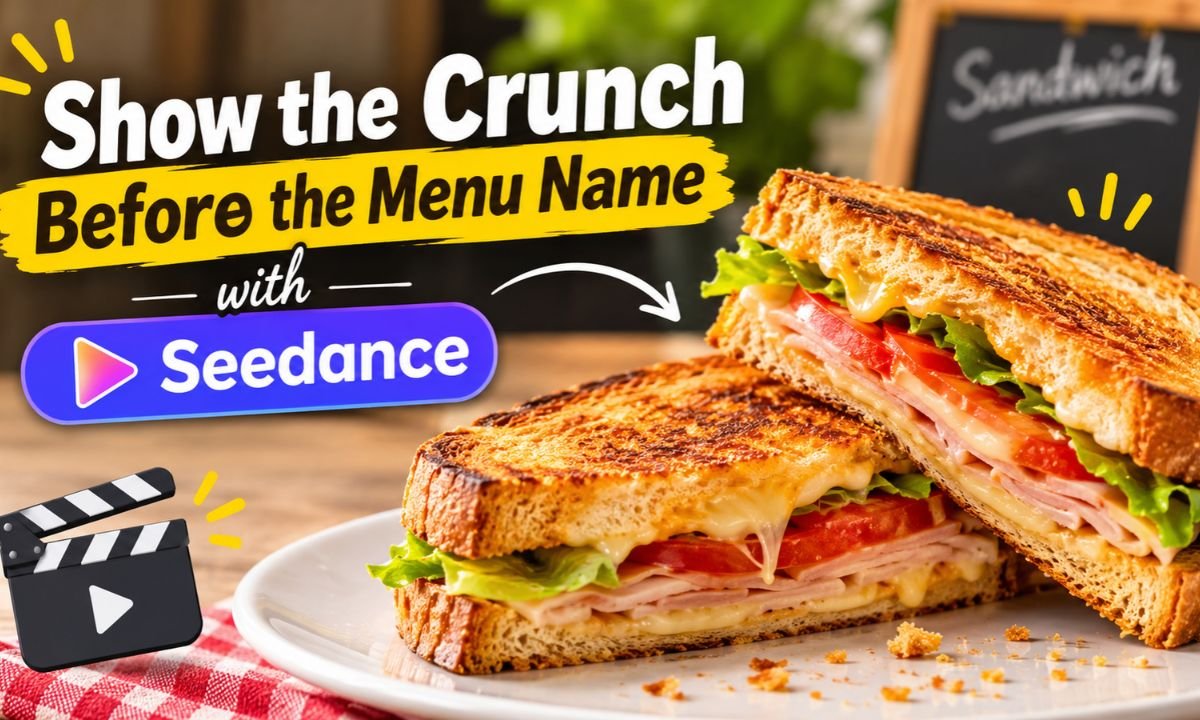
Show the Crunch Before the Menu Name with Seedance
A toast sandwich can look disappointingly flat in a photograph. The bread is golden, the filling is tidy, and the plate is clean, but the picture says little about the first bite. I would start a menu video at the cut edge, where a thin crust lifts away from the soft crumb. A small movement there can tell a diner more than a long orbit around the plate. The film I have in mind is a short illustration for an independent lunch café.
I would ask the café to prepare its ordinary sandwich exactly as it serves it. The cook would choose the filling, the portion, and the way it is cut. My reference would come from that real plate, photographed promptly in soft side light. The video should help explain the dish people can order. A taller pile of filling or an extra layer added for the camera would create a different sandwich before any animation begins.
The useful role for Seedance would be a close view of one half of the sandwich settling after it has been placed on the plate. A few crumbs shift near the cut edge, and the top slice rests against the filling. The motion is small enough to keep the food recognisable. I would film the actual cutting and plating separately, then use the generated shot as a quiet moment in which the viewer can look closely at what has just arrived.
Put the light where the bread breaks
For the source photograph, I would set a white card opposite the window and move it until the cut edge has a soft highlight. The crust should have a darker underside, while the crumb stays readable. A light directly above the plate can make both surfaces look equally smooth. Side light gives the texture a direction. I would rotate the plate a little at a time until the irregular edge catches it without making the filling disappear into shadow.
The background would be the café’s real tabletop, cleaned of anything that competes with the sandwich. A fork could stay if it helps establish scale, but I would keep it clear of the cut edge. In a small phone preview, a bright fork can become the strongest shape in the image. A napkin tucked under the plate gives a softer border and remains useful in the wider practical shot. I would photograph both views before moving any object.
Keep the filling in the same sandwich
My Seedance motion brief would describe a fixed camera at plate height, one toasted sandwich half and a handful of loose crumbs near the front. The top slice settles slightly under its own weight. The filling stays between the bread, with its visible layers in the same order. I would avoid asking for a dramatic stretch or a falling ingredient unless the real sandwich actually behaves that way. The most appetising movement is often the one a diner already expects.
If the first result makes a tomato slice slide through the bread, I would simplify the reference. Move the camera a little higher so the boundary between bread and filling is clear. A confusing overlap in the photograph can turn into a confusing movement in the clip. I would also shorten the settling action. The sandwich only needs to move a few millimetres before the viewer understands that it has weight. Longer movement gives the layers more opportunity to lose their relationship.
For a second Seedance version, I would try leaving the sandwich still and moving only two crumbs at the front. That can be enough to suggest the instant after plating. I would compare the two versions at normal playback speed rather than judging them frame by frame at first. If the still sandwich feels more convincing, choose it. A menu film earns its place by helping someone picture lunch, not by showing how much motion can fit into a close-up.
Use real sound to make the texture specific
The sound I would record is the cook cutting through the actual toast. Place the recorder close enough to catch the crust breaking, but far enough from the plate that the knife scrape does not overwhelm it. I would record several cuts and choose a short, clean moment. A loud stock crunch could make a soft toasted sandwich sound like a packet of crisps. The real sound gives the illustration a connection to the food on the counter.
I would put that crunch under the practical cutting shot, then let the sound fade as the Seedance close-up begins. The pause after the cut is where the viewer can examine the filling. If music is included, it should leave that small food sound audible. I would test the edit through a phone speaker at ordinary volume. A carefully recorded texture that disappears on the device used by most customers needs a simpler mix, not a louder soundtrack.
The dish name would appear only after the close view has established what is on the plate. I would add the current name in the editor and ask the café to check its spelling. Prices and availability can sit in a separate card or in the surrounding menu page, where they are easier to update. The moving image should remain useful if the lunch special changes price next week. It should also be clear when the film shows a sample serving.
Let the diner decide what to order
For the final shot, I would pull back using real footage to show the complete plate as served. This gives the close-up its context. A diner can see the number of sandwich halves, any side dish, and the size of the plate. I would keep the camera at the same side of the table so the cut edge remains in the same general position. A sudden reversal can make it look as though a different meal has appeared.
Before delivery, I would show the rough edit to someone who knows the café’s food and someone who has never ordered there. Ask each to describe the sandwich and the serving. If they disagree because the Seedance close-up suggests a layer that is absent from the real plate, revise the close-up. If both can identify the texture and understand the portion, the video has done something useful. The last frame should leave enough space for a diner to imagine picking up that first half.